Ticketing
Selling tickets online.

Copyright © 2024, Wilbernight Operating Company, LLC. All Rights Reserved. The Wilbernight word mark is a registered trademark of Wilbernight Operating Company,
Open a ticket shop in your colours, sell seats or passes online, send e-tickets to phones and check them in with a QR scan at the door — with every sale in one report.
 Your own ticket shopMobile QR ticketsScan at the door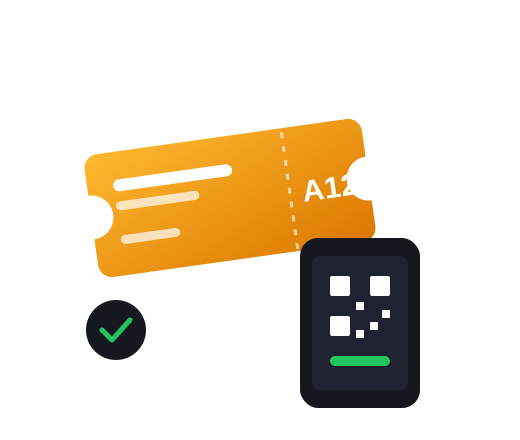
 Ticket shop
In your colours
Ticket shop
In your colours
 E-tickets
Straight to phones
E-tickets
Straight to phones
 Door check-in
With any smartphone
Door check-in
With any smartphone
 Sales reports
Every sale in one place
Sales reports
Every sale in one place
Ticketing is priced per event and ticket. Tell us about your event and we will send you a quote.
Request a quote Seated or standing events
Check-in app for your staff
Seated or standing events
Check-in app for your staff
A sales page with your logo and colours, on your site or its own link.


Sell numbered seats or general admission, with prices per category.
Guests receive their tickets by email, with a QR code to show at the door.
Your staff check tickets in with a phone; each code works once.

Early-bird prices and discount codes for partners and groups.
Follow sales in real time and export your attendee list.
Date, place, ticket types and prices.
Put the link on your site and social pages and start selling.
Scan each ticket as guests arrive.

Selling tickets online.
Selling tickets online.
Yes. Sell numbered seats, general admission, or both, each with its own price.
By email right after they pay, with a QR code they can show on their phone or print.
Your staff scan the QR code with a phone. Each ticket can be used once, so copies are turned away.
By event and tickets sold. Request a quote with your event’s size.